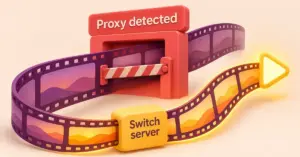
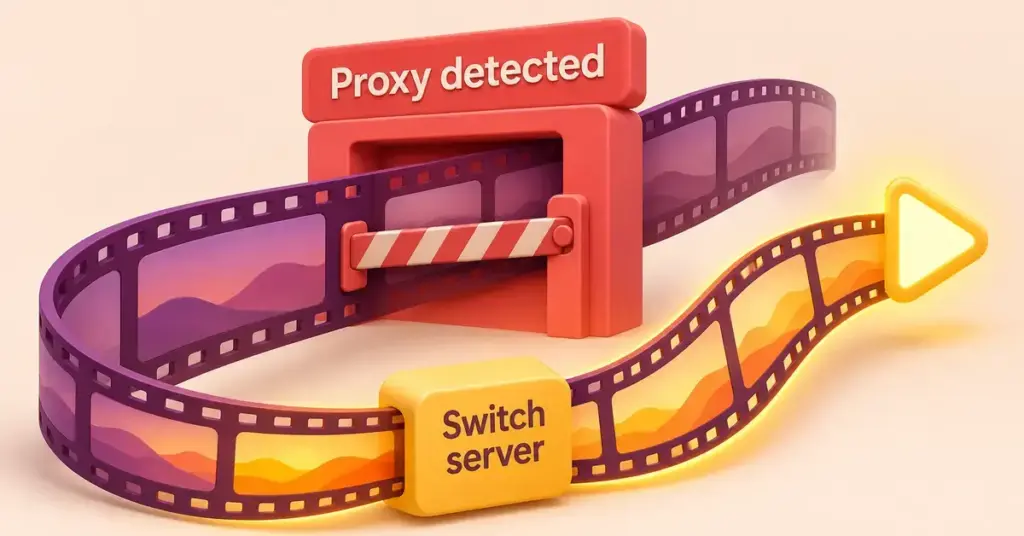
You settle in to watch something on Netflix, press play, and instead of the show you get a message: “You seem to be using a VPN or proxy.” Your VPN worked yesterday, so what changed? In most cases nothing is broken – Netflix has simply recognised the VPN server you are connected to and blocked it. This guide explains why it happens, walks through the fixes that actually work from New Zealand, and is honest about the cases where no fix will help.
Quick fixes
Try these in order – most people are streaming again after the first two:
- Disconnect and connect to a different VPN server (a different city in the same country).
- Reload Netflix – refresh the browser tab or force-close and reopen the app.
- Clear cache and cookies, or test in a private/incognito window.
- Turn on obfuscation / stealth mode or switch VPN protocol in your app.
- Turn off IPv6 and disable iCloud Private Relay or any second VPN.
- Confirm you are on an ad-free plan – VPNs are blocked on ad-supported Netflix and for live events.
Why Netflix blocks your VPN
A VPN (virtual private network) routes your internet traffic through a server in another location and hides your real IP address – the unique number that tells websites which country you are in. People use one to reach shows that are in another country’s Netflix catalogue, or simply for privacy. The catch is that Netflix only has the rights to show each title in certain countries, so its licensing agreements require it to stop people from slipping between regions.
To enforce that, Netflix keeps a constantly updated blacklist of IP addresses it knows belong to VPN and proxy servers. The moment it sees your connection coming from one of those addresses, it shows the error instead of playing the video. Because thousands of people share each VPN server, a single popular server IP gets flagged quickly – which is why a VPN that “used to work” suddenly stops.
Two other things give you away even while the VPN is on:
- DNS leaks: DNS is the system that turns a web address into an IP number. If those lookups go through your New Zealand internet provider instead of the VPN, Netflix can see your real location.
- IPv6 leaks: IPv6 is the newer type of internet address. Many VPNs only protect the older IPv4 traffic, so an unprotected IPv6 connection can expose where you really are.
If you are new to all of this, our overview of choosing a VPN in New Zealand covers how the technology works before you start troubleshooting.
The error codes you might see
The wording and codes vary by device, but they all point to the same thing – Netflix thinks your traffic is coming through a VPN or proxy:
- “You seem to be using a VPN or proxy. Please turn off any of these services and try again.” – the standard message, often shown with code E106.
- M7111-5059 and M7111-1331-5059 – the codes you tend to see in a web browser.
- Only Netflix Originals appear: sometimes there is no error at all – your catalogue just shrinks to Netflix’s own shows, which are licensed worldwide. That is a quieter sign the same block is in play.
How to fix a VPN that Netflix is blocking
Work through these in order. The first two solve the large majority of cases, so there is no need to change everything at once.
Switch to a different server
This is the single most effective fix. Netflix blocks individual server IP addresses, not your whole VPN, so disconnecting and connecting to a different server – ideally a different city in the same country – usually gives you a fresh, unblocked IP. If you want your home catalogue, pick a New Zealand server; if you are after another region, choose a less crowded location there. Reload Netflix after you reconnect.
Change your VPN protocol or turn on obfuscation
A protocol is the method your VPN uses to build its encrypted tunnel (common ones are WireGuard, OpenVPN and IKEv2). Switching protocols in your app’s settings sometimes gets you past detection. Many VPNs also have an “obfuscation”, “stealth” or “camouflage” mode that disguises VPN traffic so it looks like ordinary browsing – turn it on if your app offers it.
Clear your cache or switch to the app
Your browser and the Netflix app store location data in cookies and cache that can keep flagging you even after you change servers. Clear Netflix’s cookies and cache, or test in a private/incognito window. On a mobile or TV app, clear the app’s cache or sign out and back in. It is also worth learning how to flush your DNS cache so your device stops reusing an old lookup result.
Turn off IPv6 and check for leaks
Because an unprotected IPv6 connection can reveal your real location, disabling IPv6 – in your VPN app, or in your router or device network settings – often stops the leak. To confirm the tunnel is holding, connect the VPN and check your IP address; it should show the VPN’s country, not New Zealand. Netflix’s own fast.com page also displays a “Client” location under “Show more info” that should match the region you expect.
Disable iCloud Private Relay and other conflicting tools
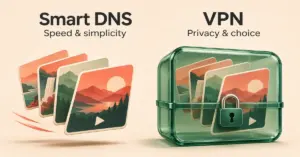
Running two location tools at once confuses things. On Apple devices, iCloud Private Relay routes Safari traffic through Apple’s servers and can trigger the proxy error on its own – turn it off in Settings. Likewise, close any second VPN, browser proxy extension or ad-blocking app. If your aim is simply streaming rather than privacy, a Smart DNS versus a VPN comparison is worth a look, since a Smart DNS reroutes only the region check and is harder for Netflix to spot – though it offers no encryption.
Point your device at a different DNS
If lookups are still leaking, set your device or router to use your VPN’s DNS servers rather than your internet provider’s. Most VPN apps handle this automatically, but on smart TVs and streaming sticks you sometimes have to enter the DNS numbers by hand. If none of the above works, the server you are on is almost certainly on Netflix’s deny list – contact your VPN provider’s support, as they can point you to the servers currently working for Netflix.
When no fix will help
Some blocks come from Netflix’s own rules, not from your VPN, so no amount of server-switching will clear them. It saves a lot of time to recognise these early.
You are on an ad-supported plan or watching a live event
Netflix states plainly that VPNs are not supported on its ad-supported (cheaper, ad-included) plan, or for watching live events such as sport – and that applies on every plan, even ad-free ones. If you are on the ad tier and want to use a VPN, the only route is to move to an ad-free plan. Check which plan you are on first; our guide to Netflix plans in New Zealand lays out the options and costs.
You are using a free VPN
Most free services run a handful of heavily used servers whose IP addresses Netflix identified and blocked long ago, and many lack obfuscation or leak protection entirely. If a free app will not stream Netflix, that is the usual reason. Our look at free VPNs explains the trade-offs, including the data and privacy costs that often come with “free”.
“Netflix thinks I’m using a VPN but I’m not”
It is possible to get the proxy error with no VPN running at all. Common causes in New Zealand include:
- iCloud Private Relay or a browser VPN extension you forgot was switched on.
- Your internet provider’s network setup. Some connections share a single public IP across many customers (known as CGNAT), and if another user on that address was running a VPN, the IP can end up flagged.
- A work, school or public Wi-Fi network that routes traffic through a corporate gateway in another location.
- A stale DNS or cache entry. Restart your router, clear the app cache, and reload.
If you are genuinely VPN-free and the error persists, Netflix’s advice is to turn off anything that could redirect your traffic, reset your network settings, and – if it still fails – contact your internet provider, who can confirm your connection’s country and, if needed, raise it with Netflix.
Is using a VPN with Netflix legal in New Zealand?
Using a VPN is legal in New Zealand, and so is subscribing to Netflix. What a VPN cannot do is override Netflix’s Terms of Use, which say you may only access the content licensed for the country where your account was set up. Changing region with a VPN breaks those terms. In practice the realistic consequence is a technical block or, at worst, Netflix restricting the account – not legal action against a household viewer. You also still need a paid Netflix subscription; a VPN only changes which catalogue you see, not whether you have access.
Disclaimer
This article is general information for New Zealand readers, not legal advice. Using a VPN to change your Netflix region can breach Netflix’s Terms of Use even though VPNs themselves are legal here. Check the terms of both your VPN and Netflix before relying on either, and remember that streaming availability and provider features change over time.
Sources
Frequently Asked Questions
Does the Netflix VPN trick still work?
Sometimes. A good paid VPN can still reach regional Netflix catalogues, but it is a moving target: Netflix blocks server IP addresses as it finds them, so a server that works today may be blocked next week. Switching to a different server is usually enough to get back in.
Can Netflix still detect a VPN after I disconnect?
Yes, briefly. Stored cookies, browser cache and old DNS entries can keep signalling your previous location after you turn the VPN off. Clear your cache and cookies, reload Netflix or restart the app, and the error normally clears.
Will I get banned for using a VPN with Netflix?
A full ban is very unlikely for ordinary viewing. The usual outcome is the proxy error and a reduced catalogue while the VPN is detected. It does breach Netflix’s terms, so the account-level risk is a possibility rather than a legal one.
Do I need a paid VPN to watch Netflix?
You do not strictly need one, but free VPNs rarely work because their small pool of server IP addresses is already blocked and they often leak your real location. A VPN never replaces a Netflix subscription – you still pay Netflix; the VPN only changes which region’s library you can see.