
Password Managers
Google Password Manager: Is the Free One Enough?
Google Password Manager is free, built into Chrome and Android, and syncs passkeys. Where it is enough, where it falls short, and how to move your passwords out.

Google Password Manager is free, built into Chrome and Android, and syncs passkeys. Where it is enough, where it falls short, and how to move your passwords out.

Why Microsoft Authenticator dropped passwords in 2025, how to set it up safely, and exactly how to move your codes to a new phone without locking yourself out.
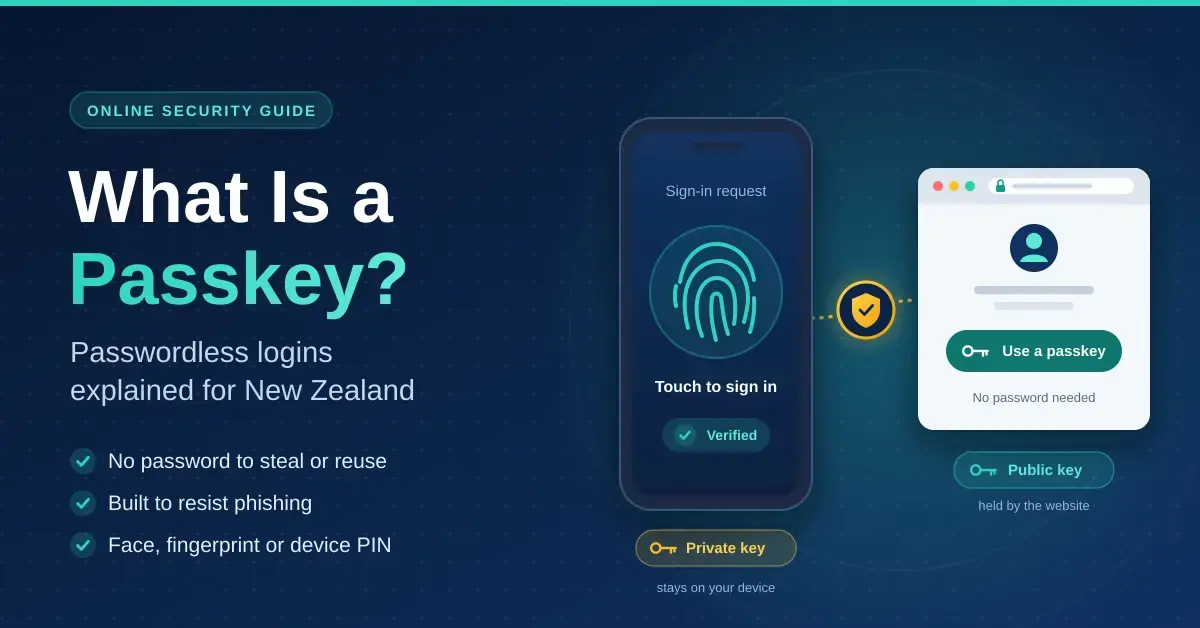
Passkeys replace passwords with a key locked to your device and bound to the real website, so they cannot be phished. How they work and where NZ services accept them.
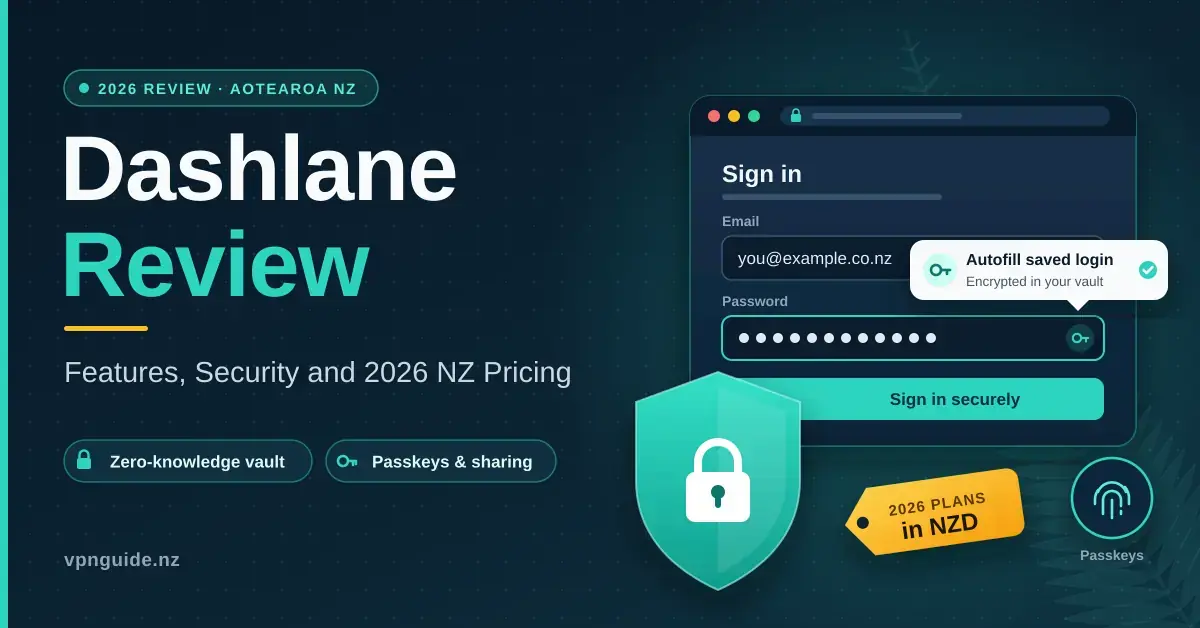
Keeping logins, bank details and personal records safe has become a real challenge for households and small businesses across Aotearoa New Zealand. This Dashlane review
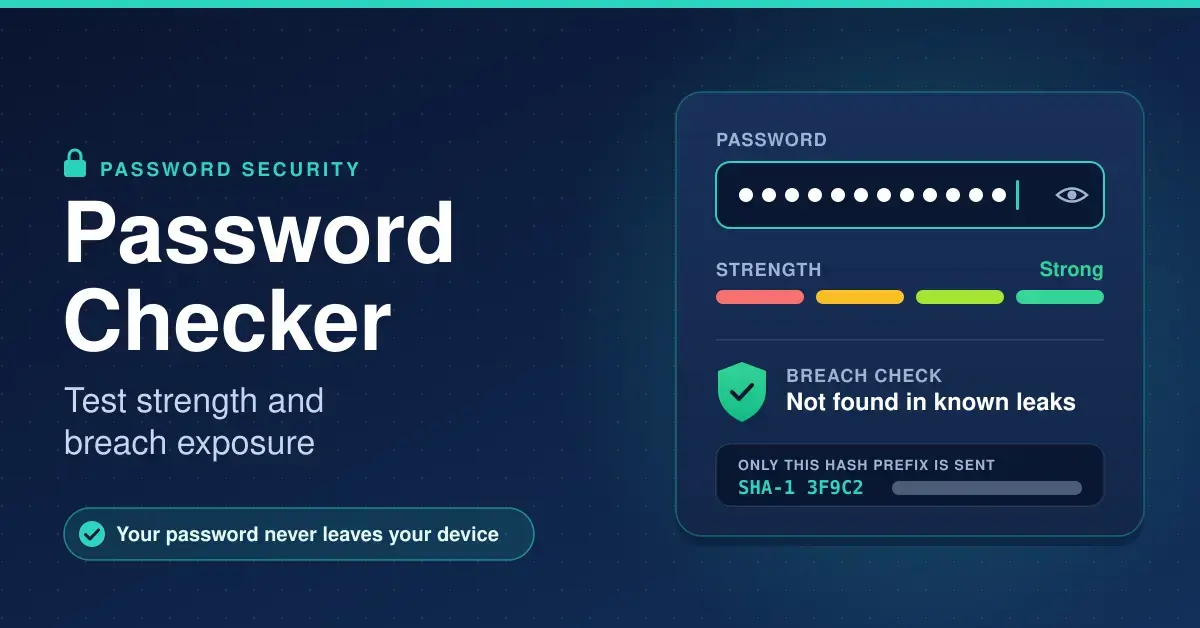
Check how strong your password is and whether it appears in a known data breach. The check runs in your browser and never sends the password itself.
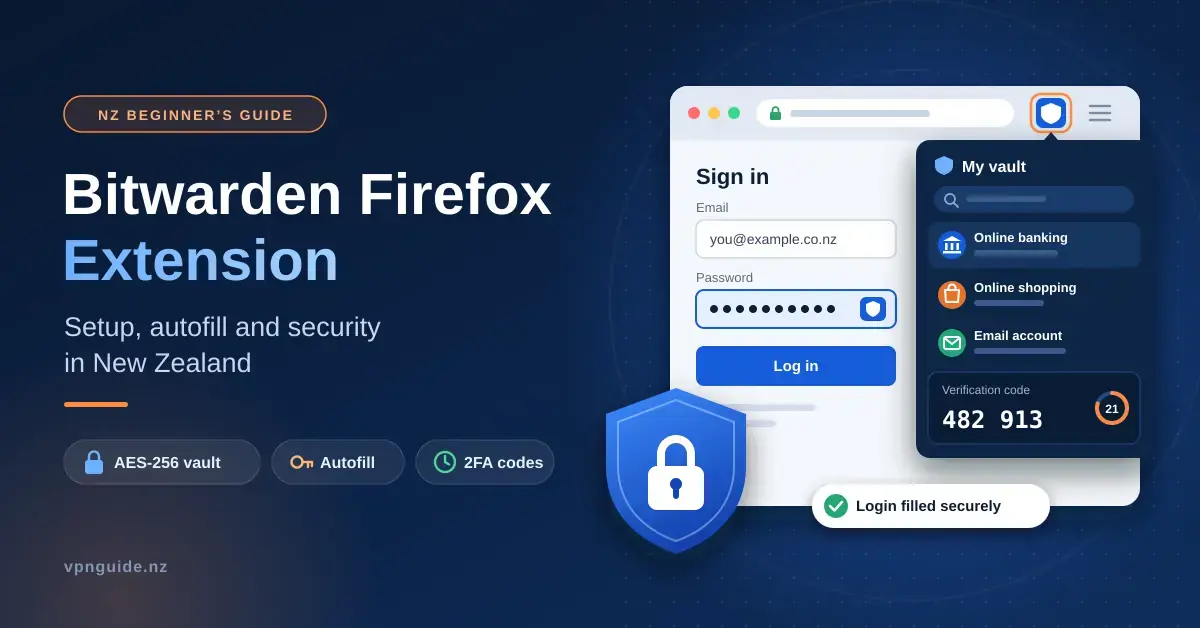
A password manager that lives inside your browser removes one of the most common weak points in everyday online security: reused or guessable passwords typed
A strong password on its own is no longer enough to protect an online account. Reused credentials, phishing pages and large-scale data breaches mean that
Choosing a digital vault means weighing everyday convenience against the harder question of whether a provider can be trusted with the keys to your entire
Locking down your online accounts has moved from a nice-to-have into a basic piece of home and business hygiene for people across Aotearoa New Zealand.
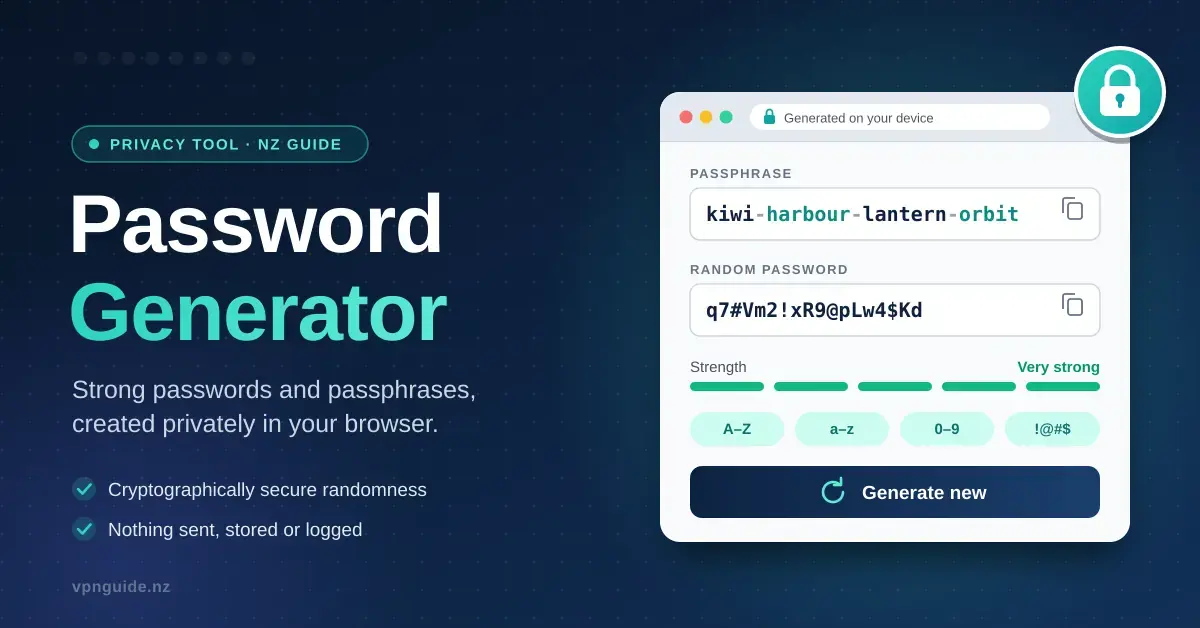
Generate a strong passphrase or random password in your browser. Nothing is sent or stored, and the guide explains what length actually protects you in 2026.