
Wi-Fi, Routers & Modems
How to Change Your Wi-Fi Password on NZ Modems
Step-by-step for Spark, One NZ, 2degrees and other modems: change the Wi-Fi password, pick a strong one, and reconnect everything without losing the smart home.

Step-by-step for Spark, One NZ, 2degrees and other modems: change the Wi-Fi password, pick a strong one, and reconnect everything without losing the smart home.
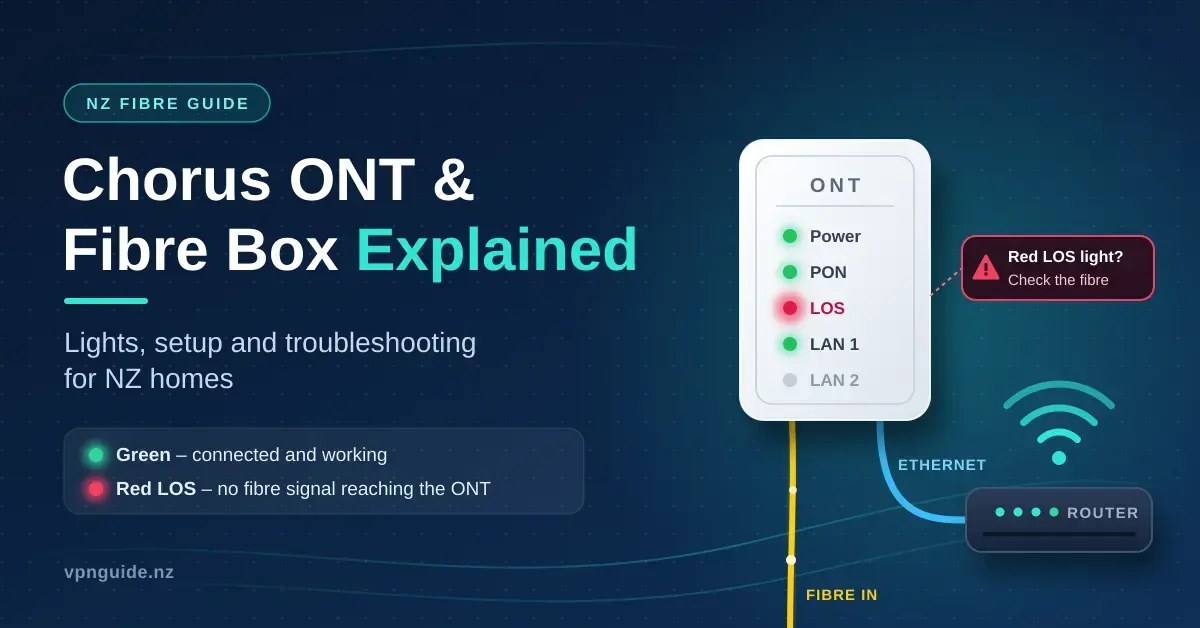
In New Zealand the box on the wall that brings the internet into your home is usually two devices doing two very different jobs: the
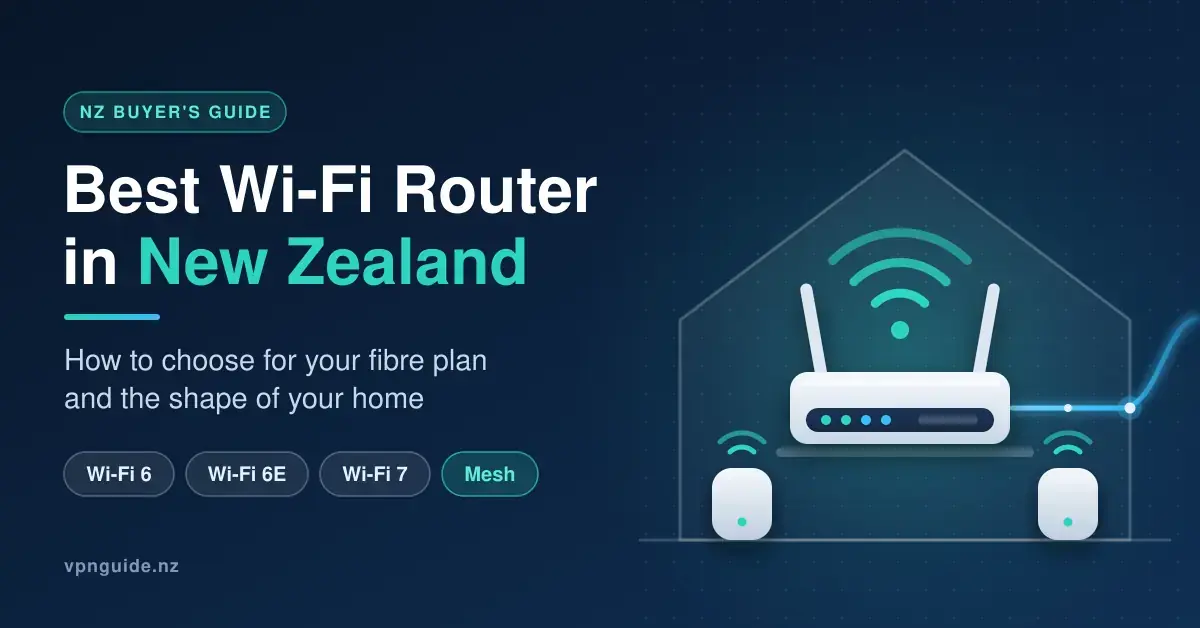
How to choose the best Wi-Fi router for a New Zealand home: Wi-Fi 6, 6E or 7, mesh or single router, Hyperfibre ports, and the models NZ retailers carry.
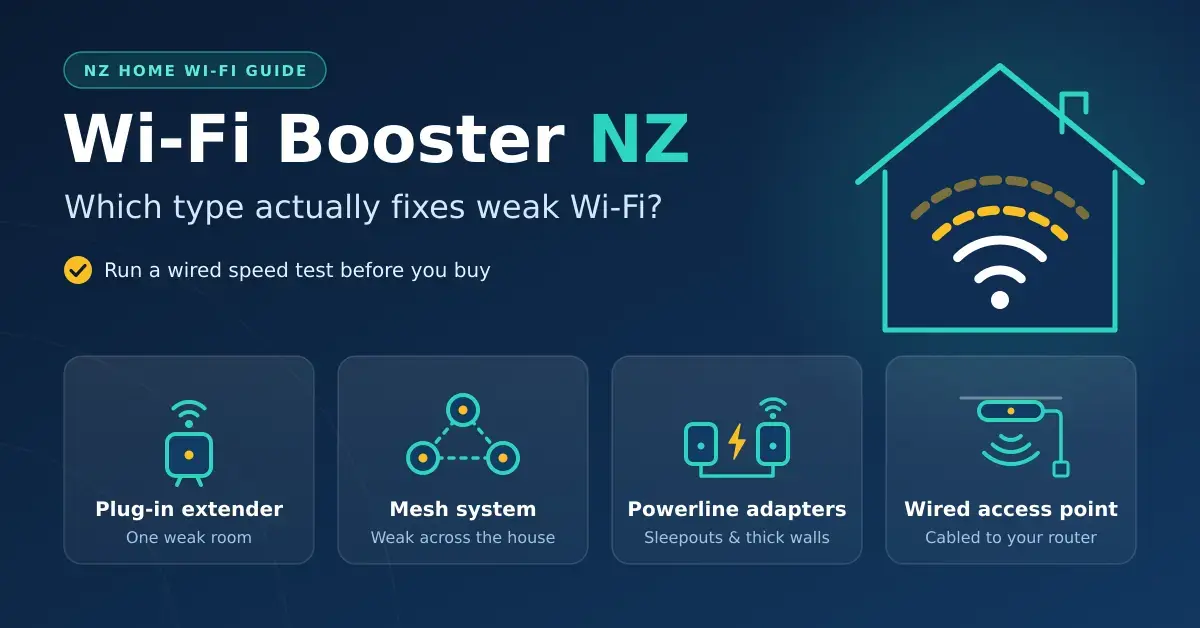
Extender, mesh, powerline or access point? How to pick the Wi-Fi booster that fixes dead zones in a New Zealand home, plus free fixes to try first.
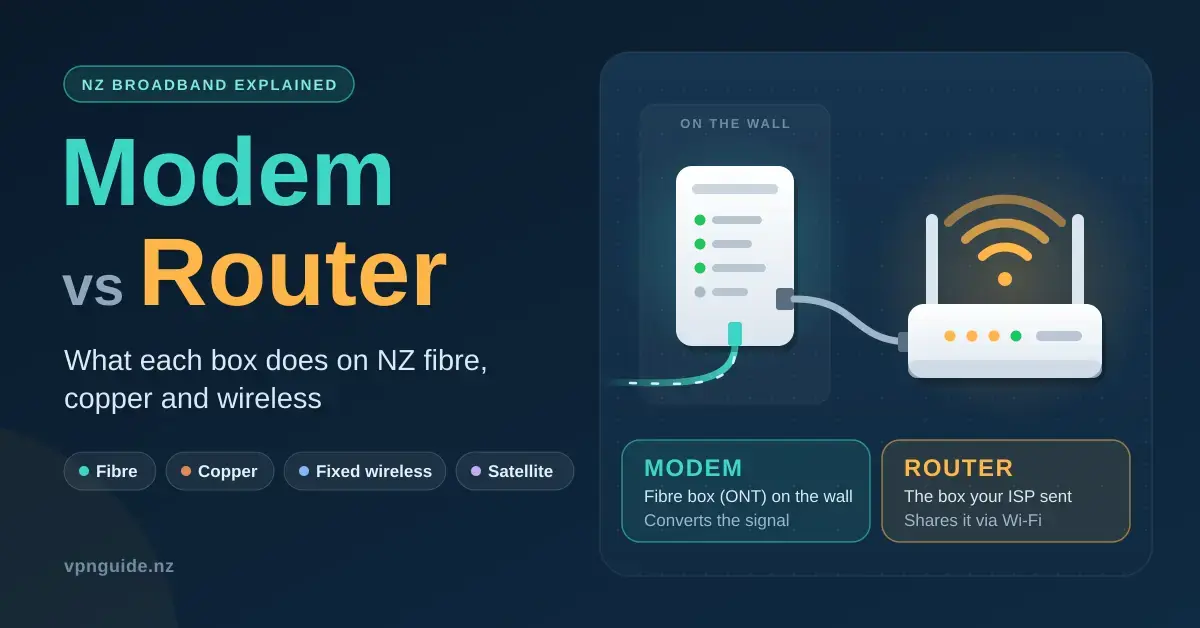
On NZ fibre the fibre box is the modem and your provider’s box is a router. What each does, how to tell where a fault is, and how to use your own router.
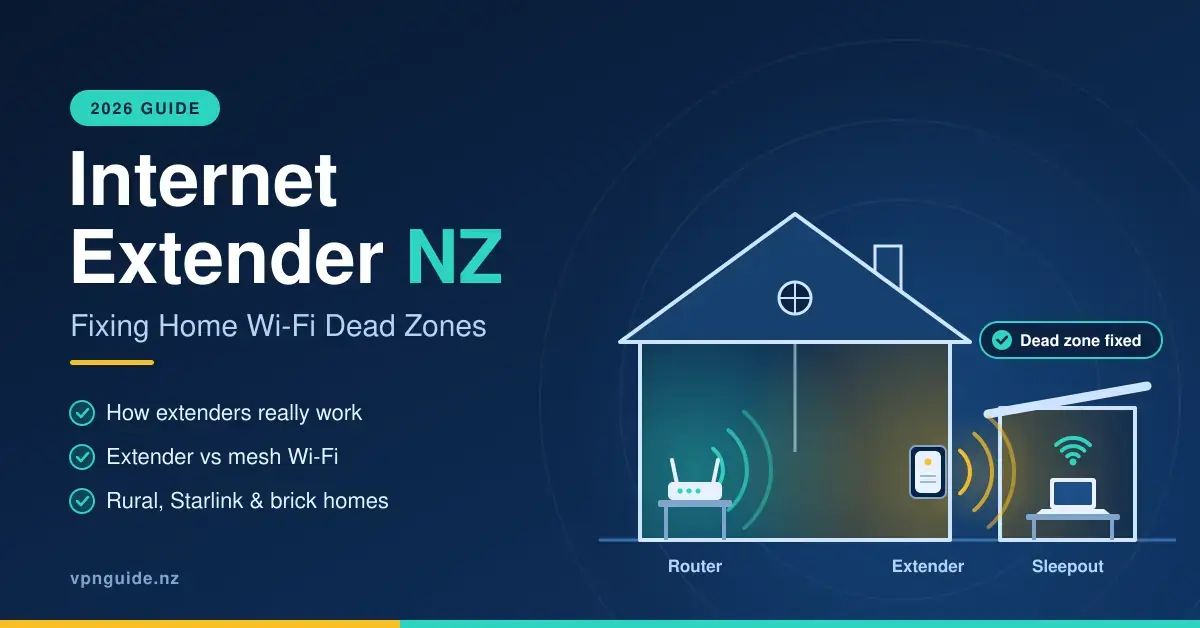
Patchy Wi-Fi is one of the most common household frustrations in New Zealand, and an internet extender is often the cheapest way to fix it.
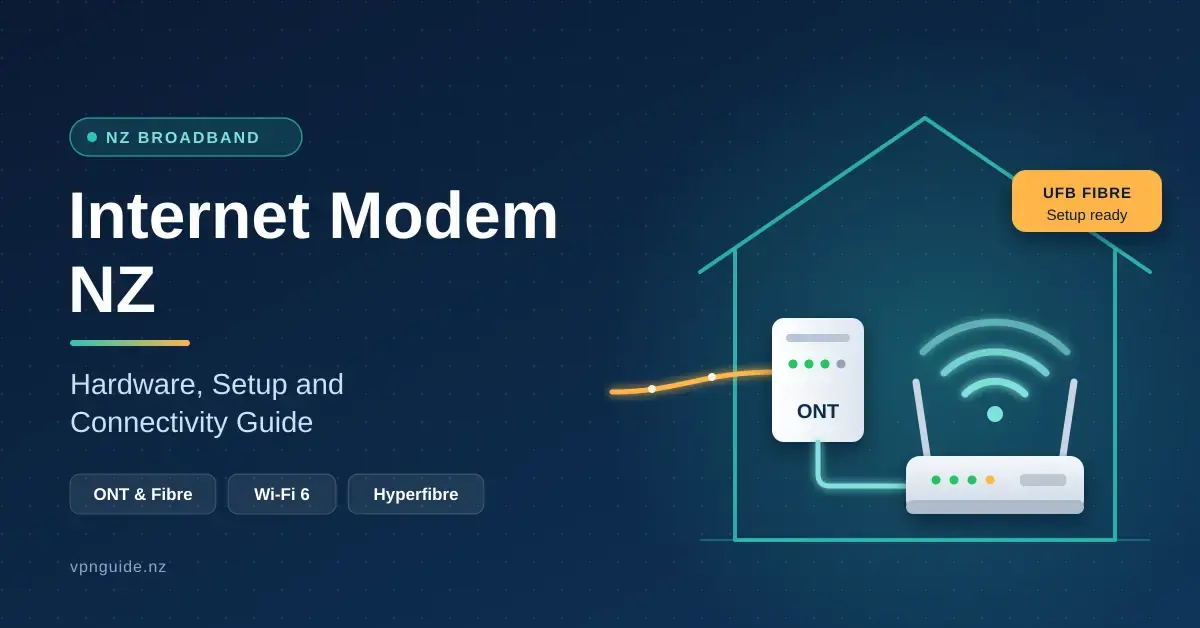
Choosing and setting up the right internet modem in New Zealand is the difference between a fibre plan that lives up to its promise and
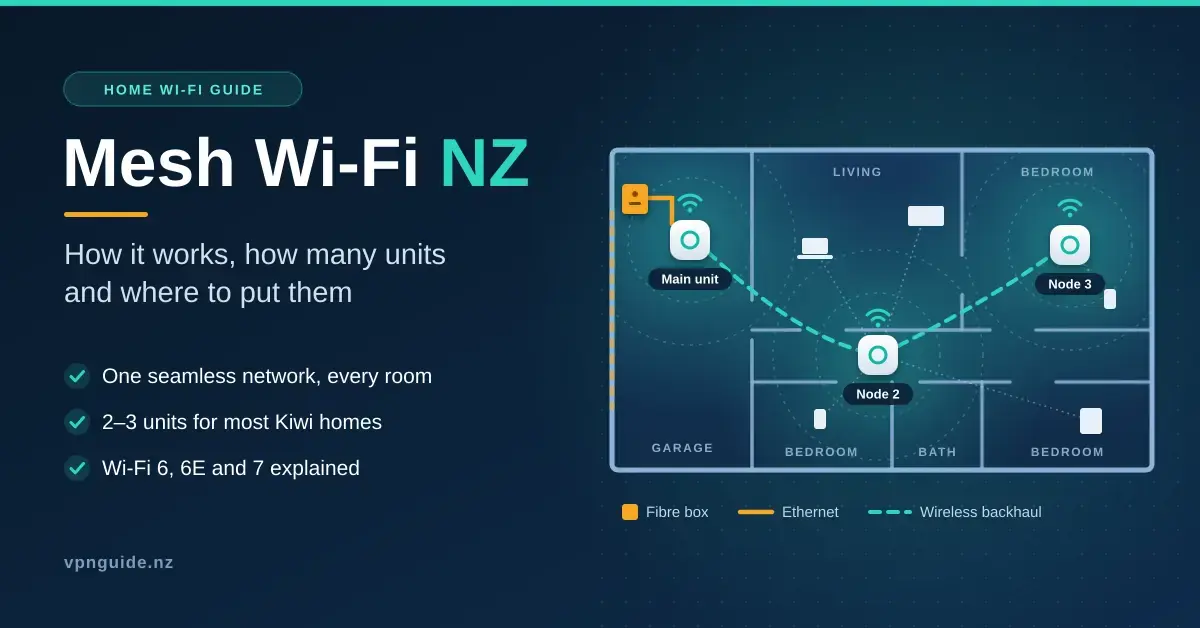
How mesh Wi-Fi works, Wi-Fi 6 vs 6E vs 7 in New Zealand, how many units a Kiwi home needs, where to place them, and using mesh with your provider’s modem.
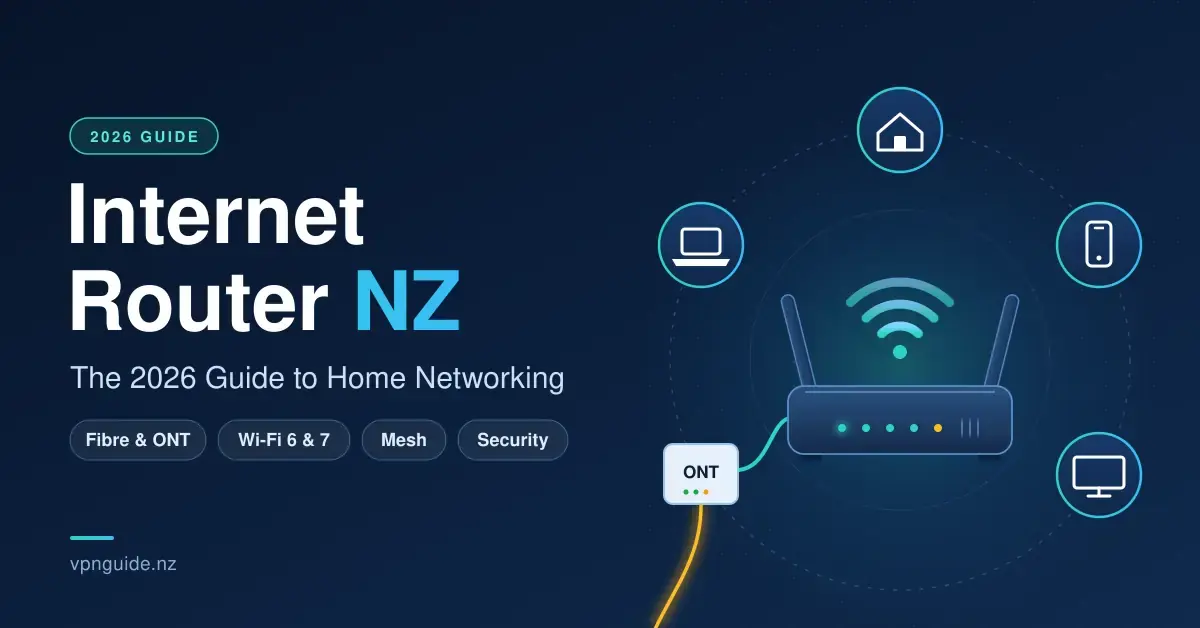
Your router is the single device that turns a New Zealand fibre connection into usable Wi-Fi for every phone, laptop, TV and smart-home gadget in
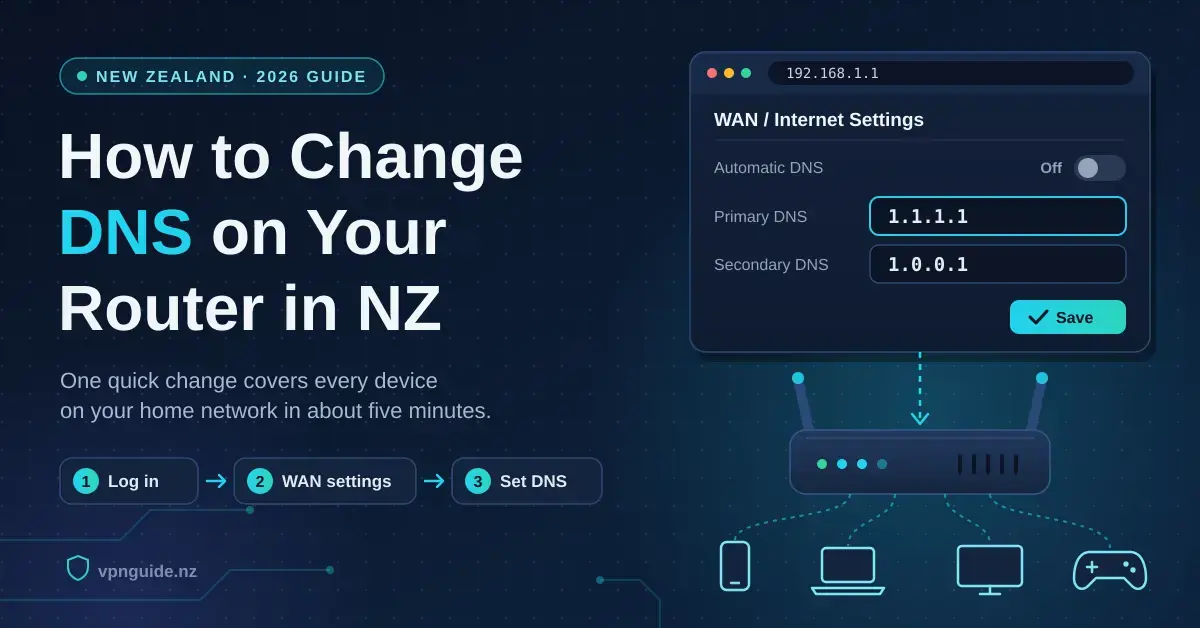
Changing the DNS resolver your router hands out is one of the quickest ways to make a New Zealand home network feel snappier and a